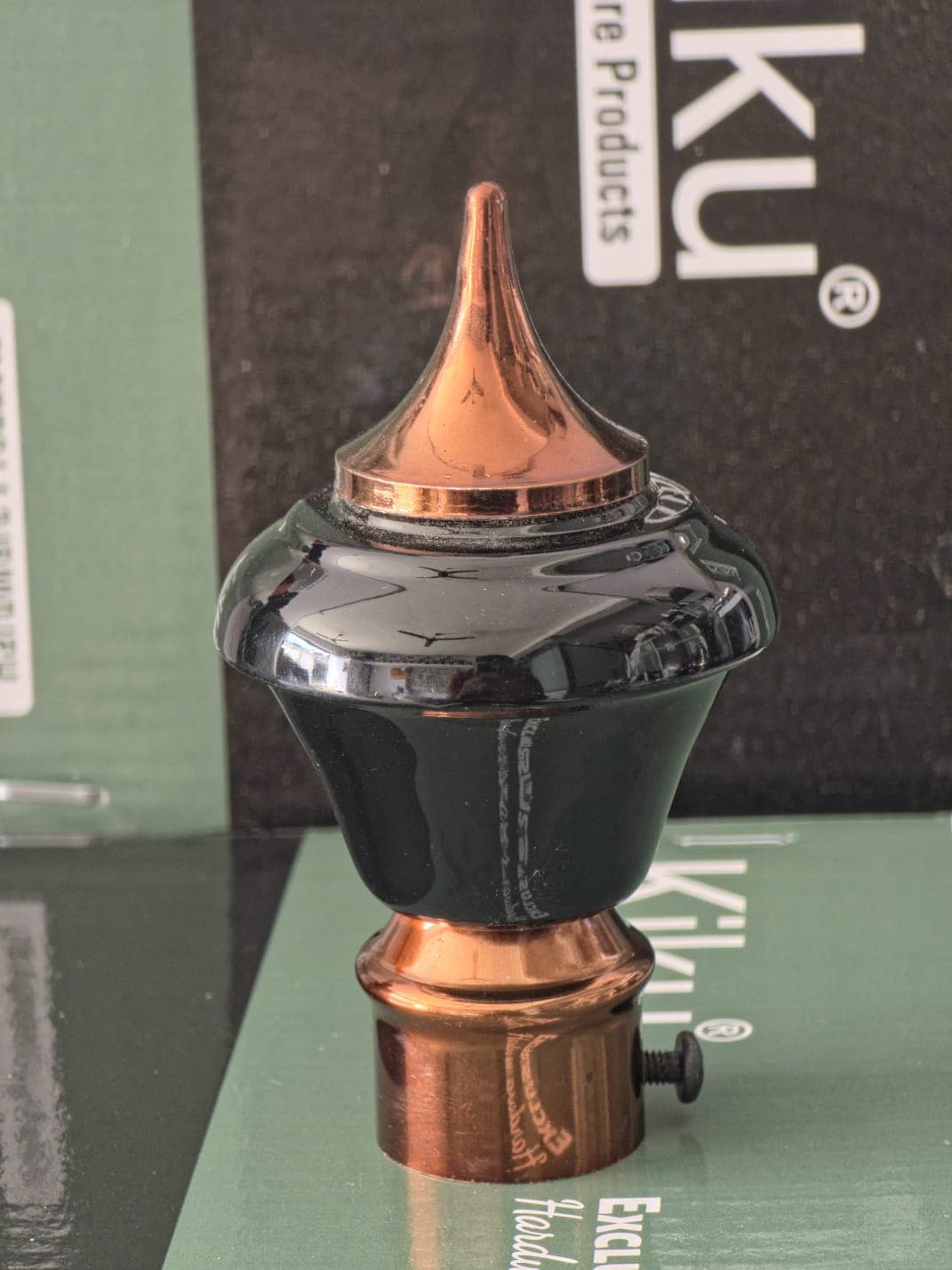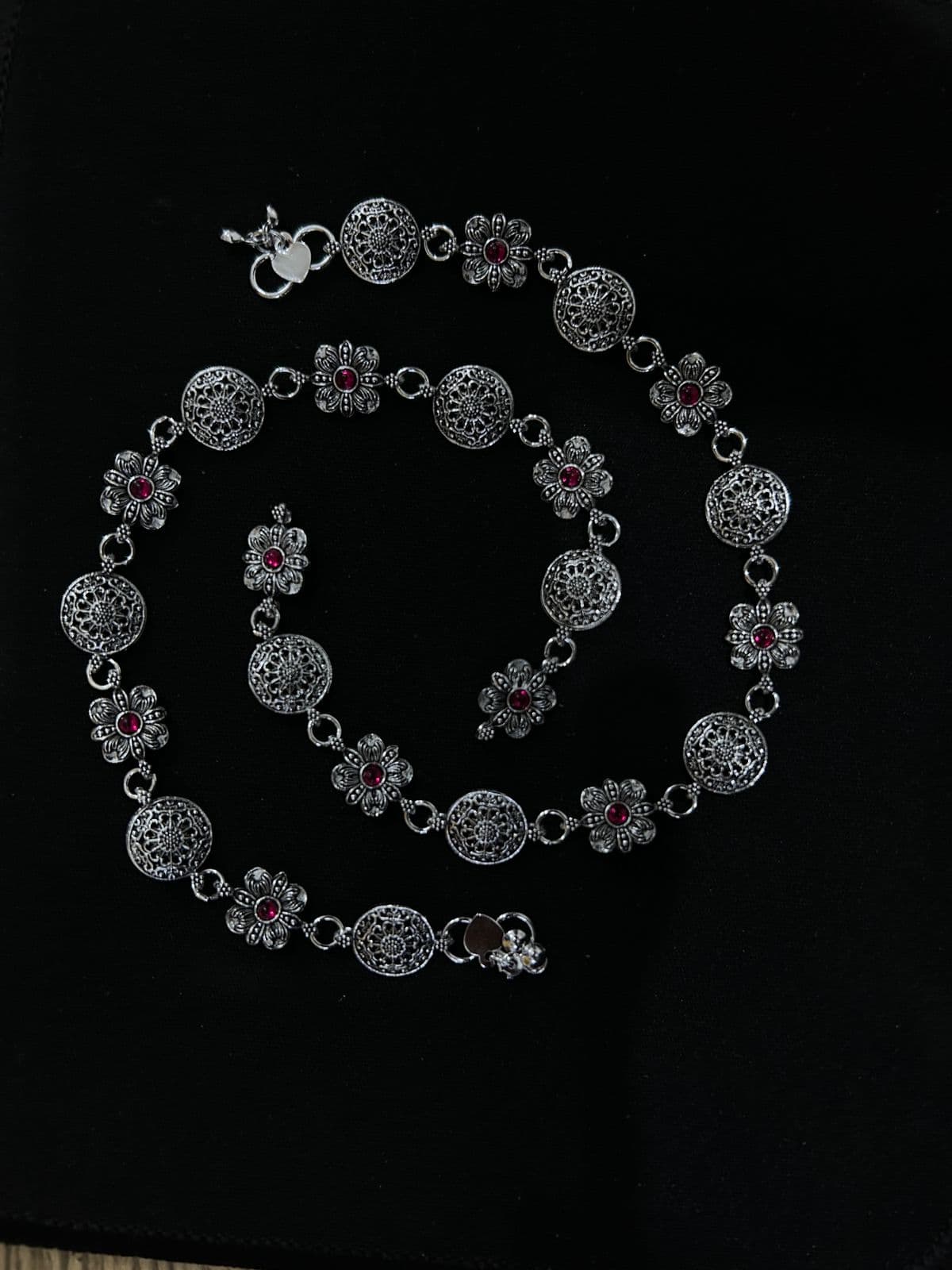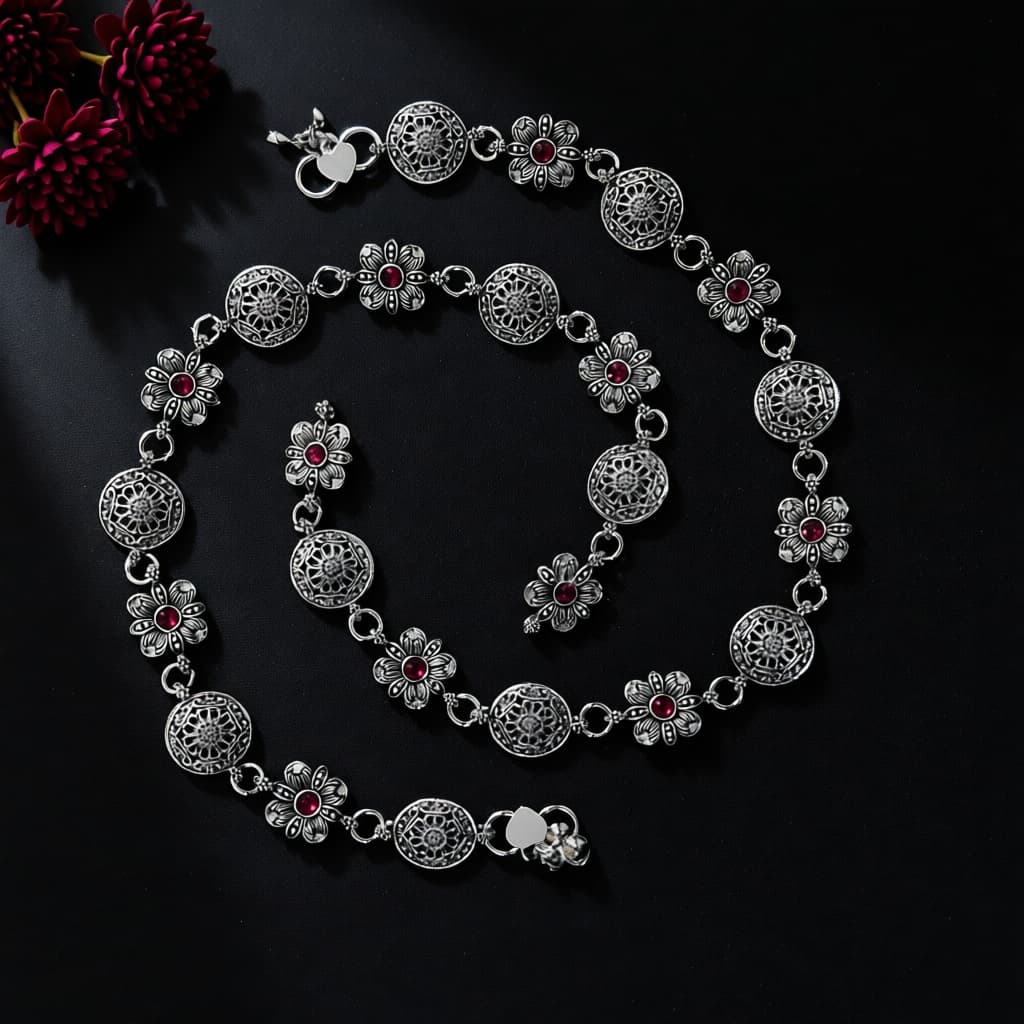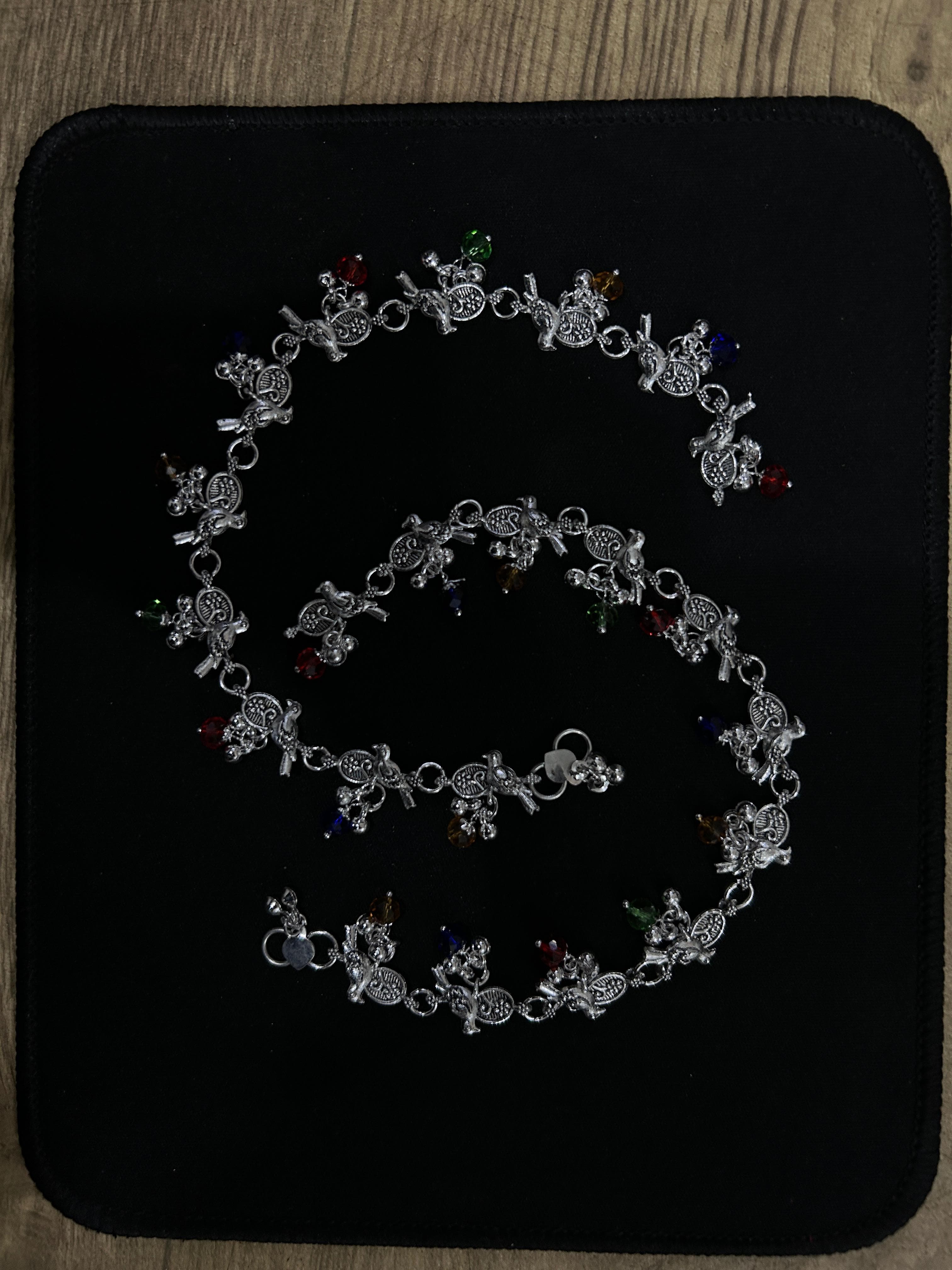
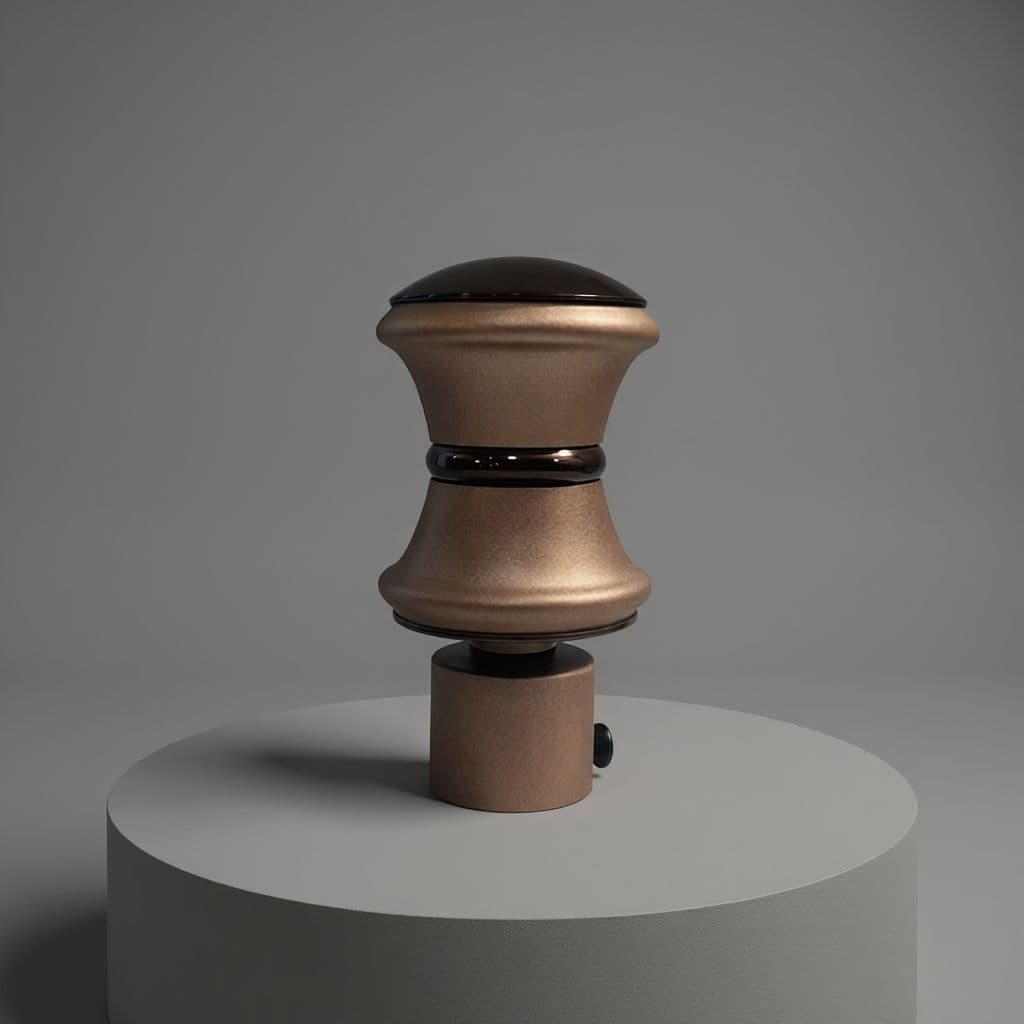
Clean
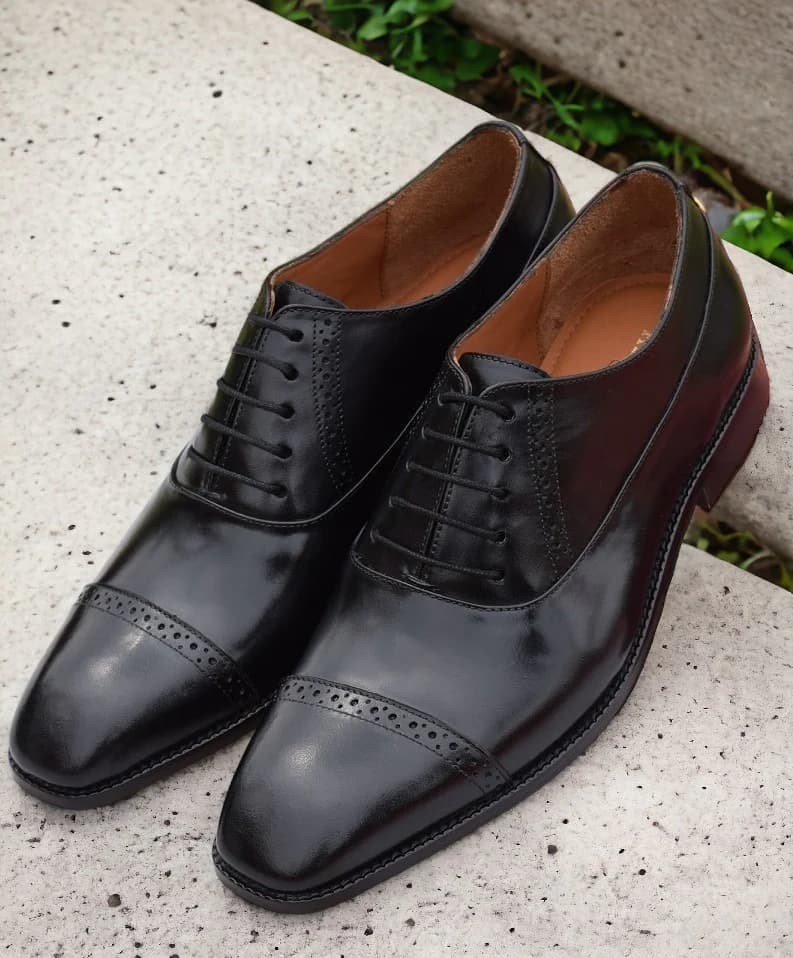
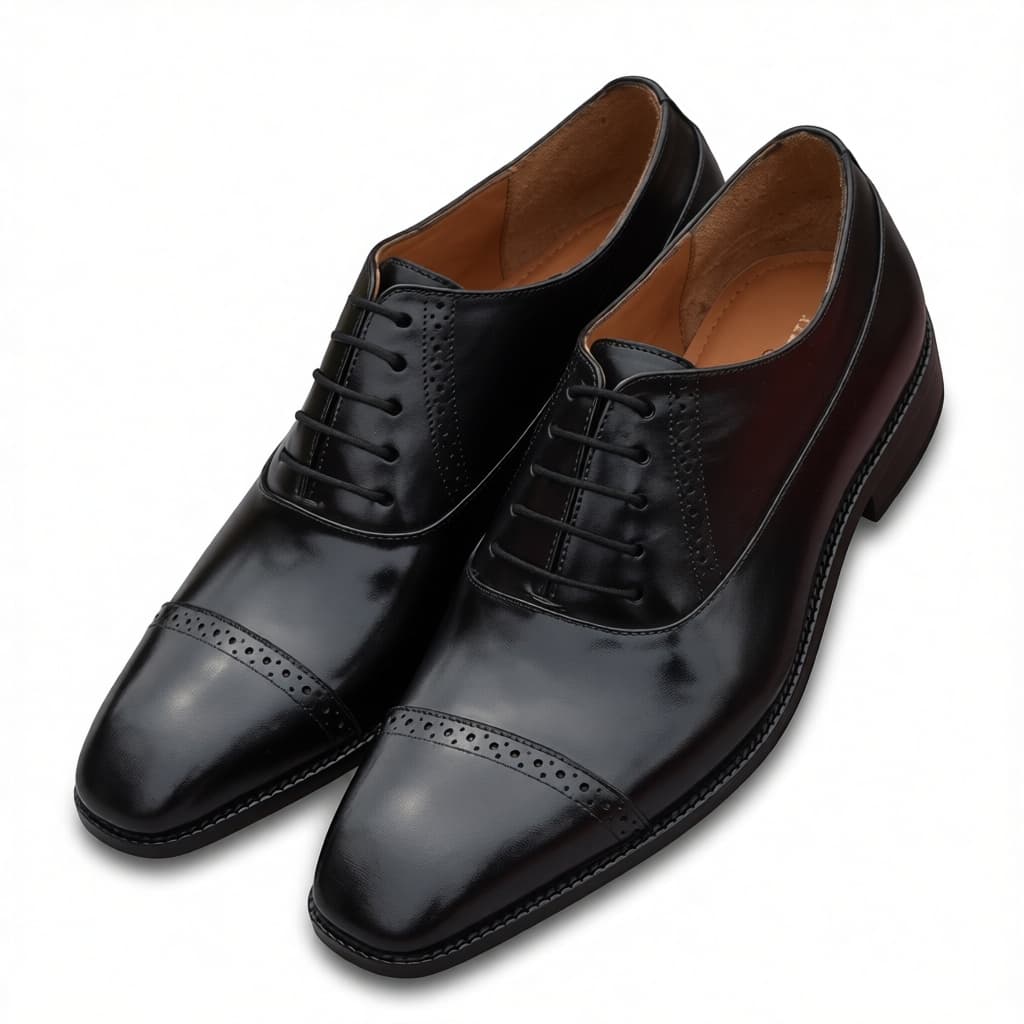
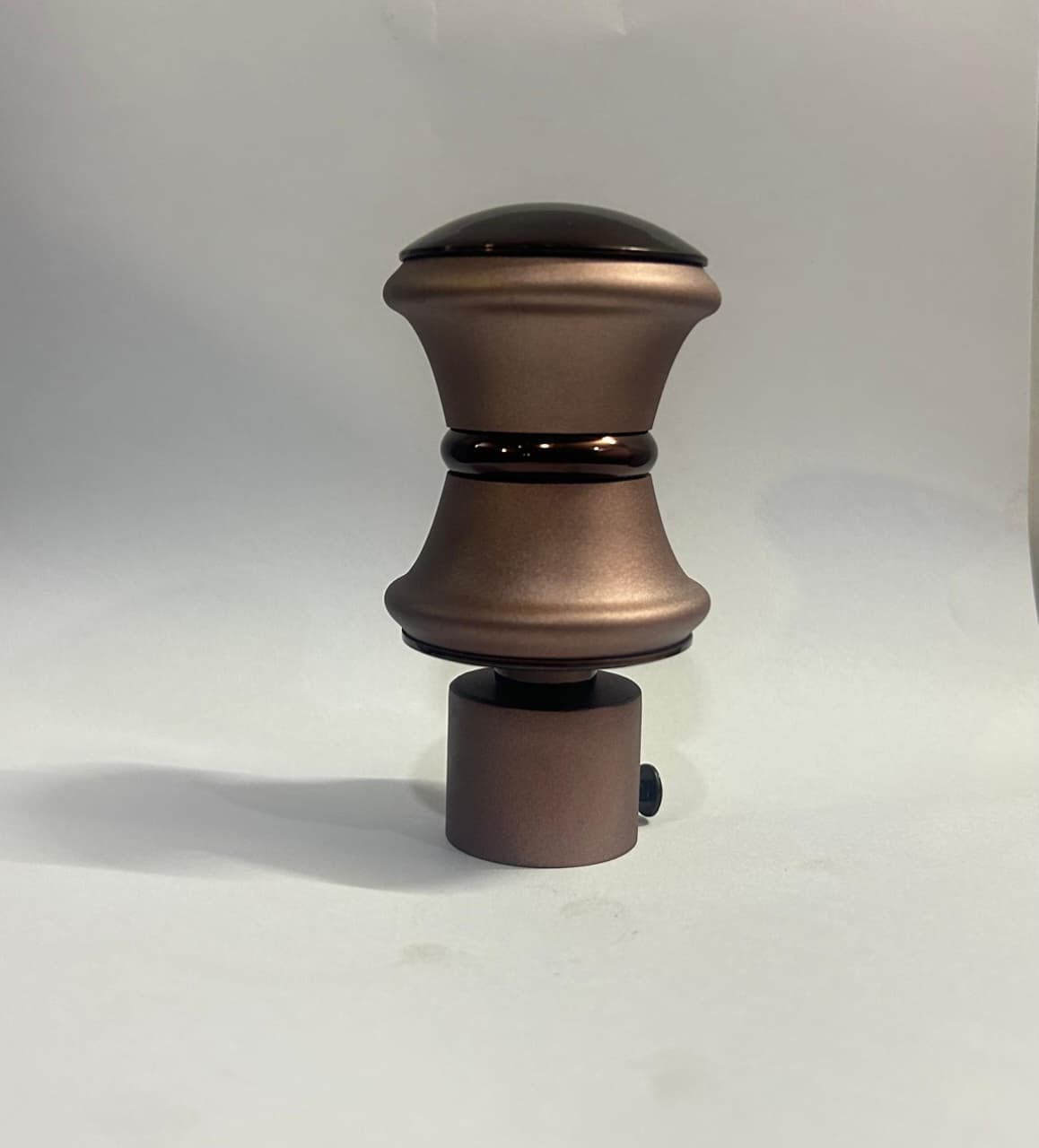
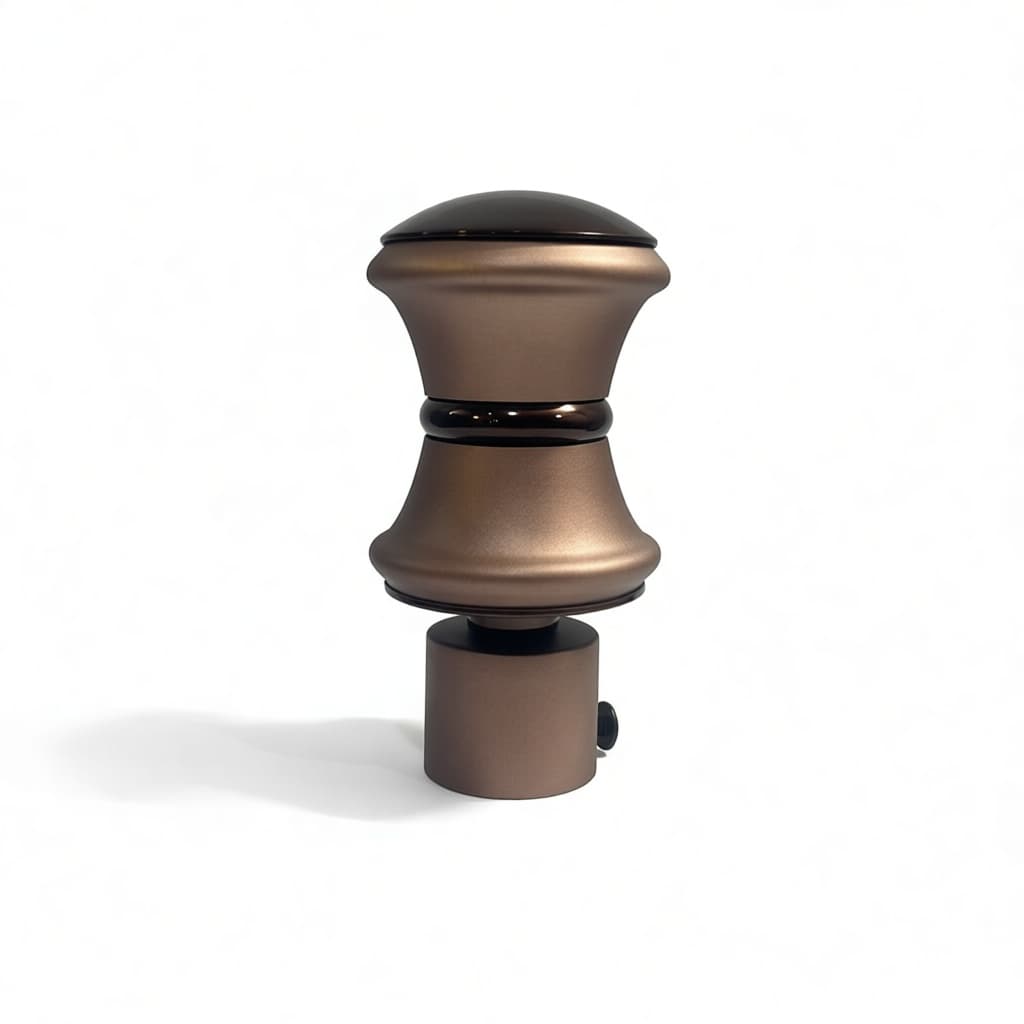
Turn raw product shots into white-background, marketplace-safe visuals with better framing and cleaner presentation.
- White Studio
- Cleanup
- Framing-safe outputs
Built for sellers and product teams to clean images, generate scenes, save the visuals that work, and reuse them across more products without starting over.
Platform
Clean · Create · Reuse
Workspace
5 connected workflows
Outcome
Consistent catalog visuals
Platform Preview
Input
Raw product

Clean
White Studio

Scene
Background Studio

Platform Map
The landing now mirrors the product itself: clean the input, create stronger visuals, then reuse the best outputs across your catalog and fashion workflows.
Turn raw product shots into white-background, marketplace-safe visuals with better framing and cleaner presentation.
Generate premium product scenes and fashion visuals without jumping between tools or managing manual composites.
Save the looks that work, then apply them to more products so your catalog stays visually consistent.
Workflow Story
The platform story should be visible at a glance: every workflow starts with a product, produces a useful output, and helps the next product move faster.
Step 01
Start with a product photo or garment image from your catalog workflow.
Step 02
Use White Studio to create a marketplace-ready base image with less manual editing.
Step 03
Generate premium, emotional, or aspirational scenes for ads, listings, and campaigns.
Step 04
Keep the scenes and models that work best so the next product starts faster.
Step 05
Apply templates and saved models to new products for consistent output at scale.
White Studio
White Studio handles cleanup, white backgrounds, and framing-safe results so sellers can go from raw product shots to publishable images faster.
Input
Raw product

Generated
White Studio result
.jpeg)
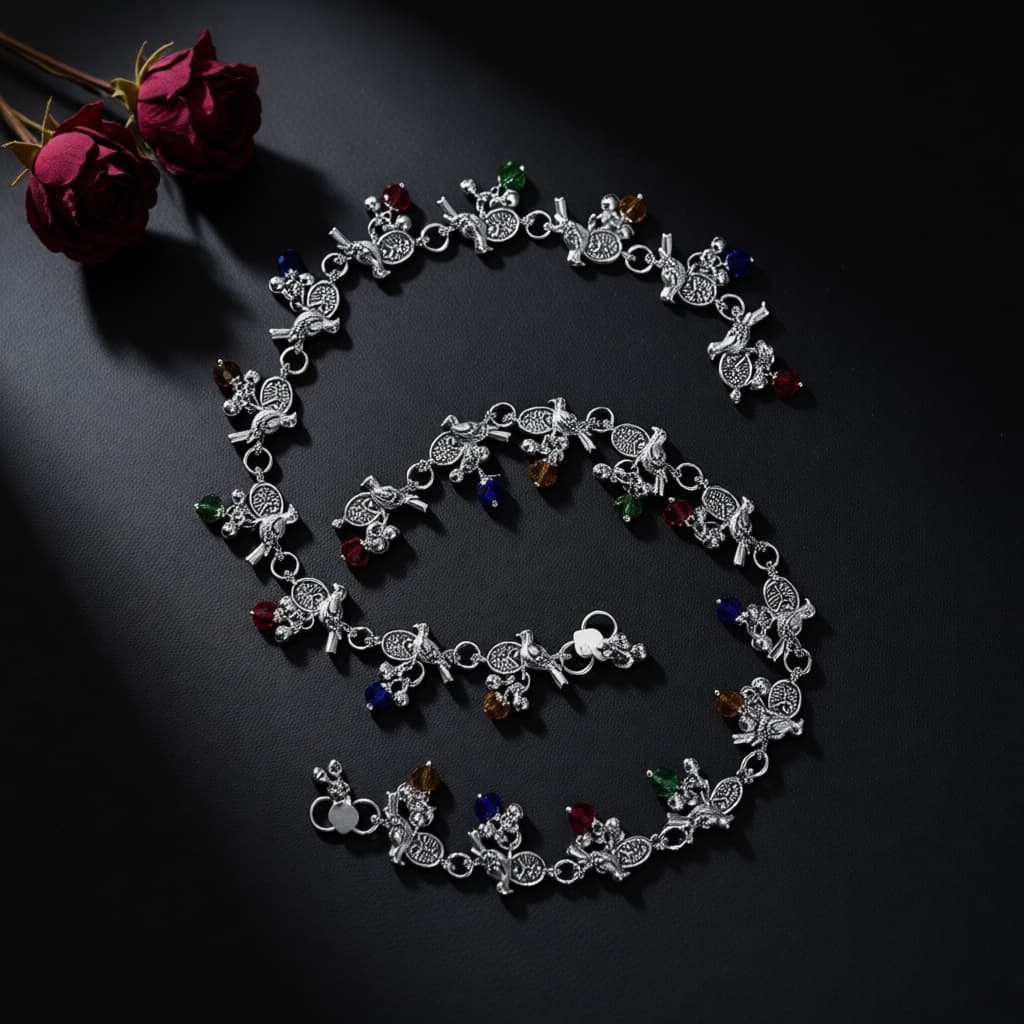
Background Studio
Background Studio generates scene ideas and premium placements so your product can move from simple listing imagery to more branded creative output.
Input
Raw photo

Generated
Scene result

Style Reuse
Style Reuse is the consistency engine of the platform. It takes a saved scene template and applies it to new products so catalog output stays on-brand.
Template
Saved template

New product
New catalog item

Result
Reuse style card

Fashion Studio
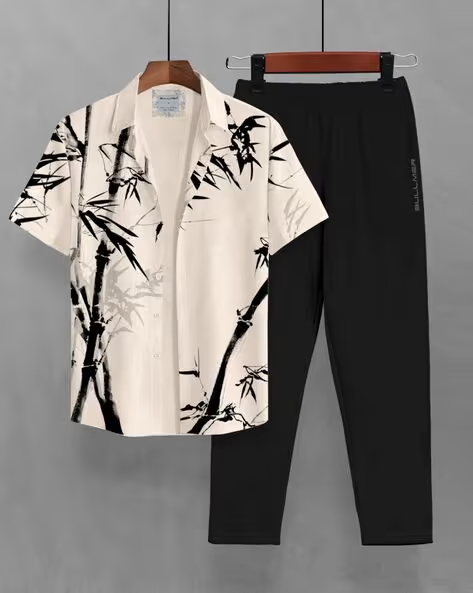
Upload apparel, pick a model direction, and get virtual try-on output you can use across listings and campaign creative—without a separate compositing stack.
Garment
Input garment

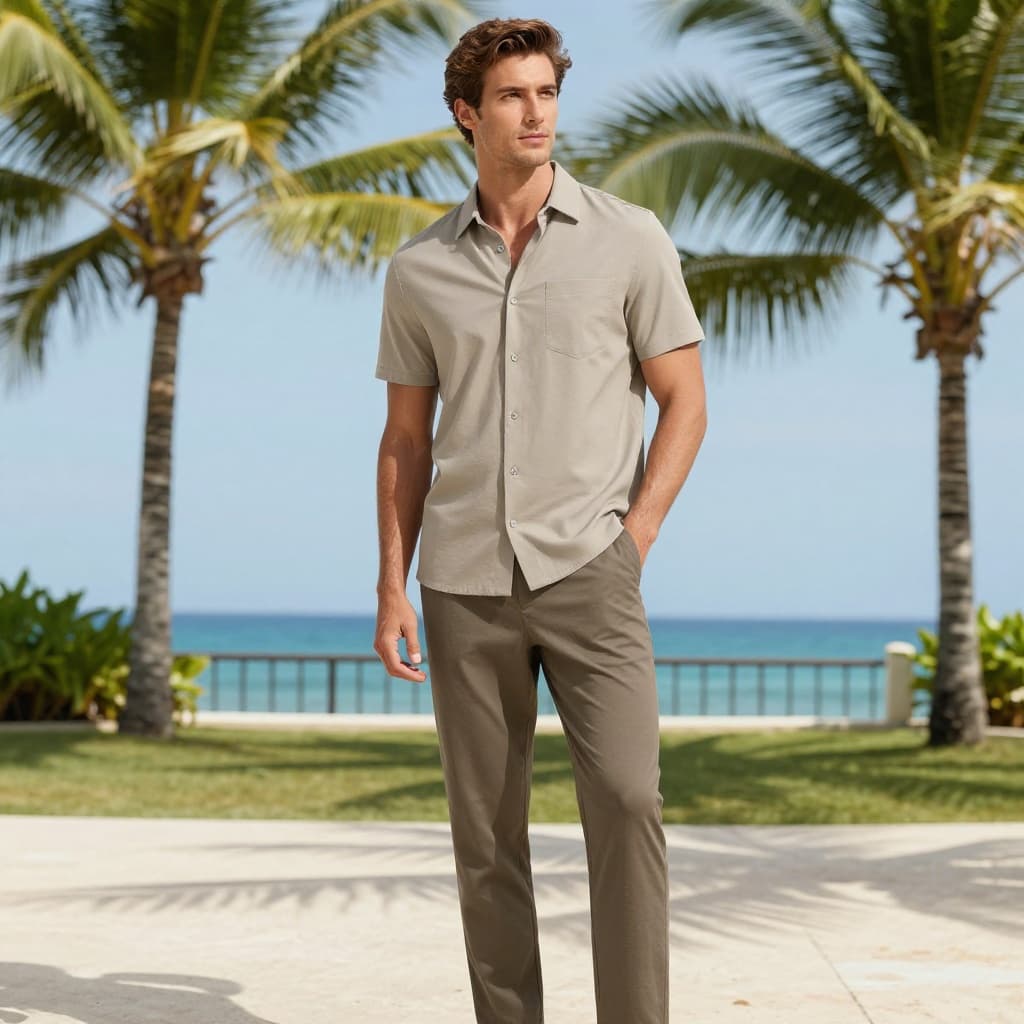
Model
Selected model

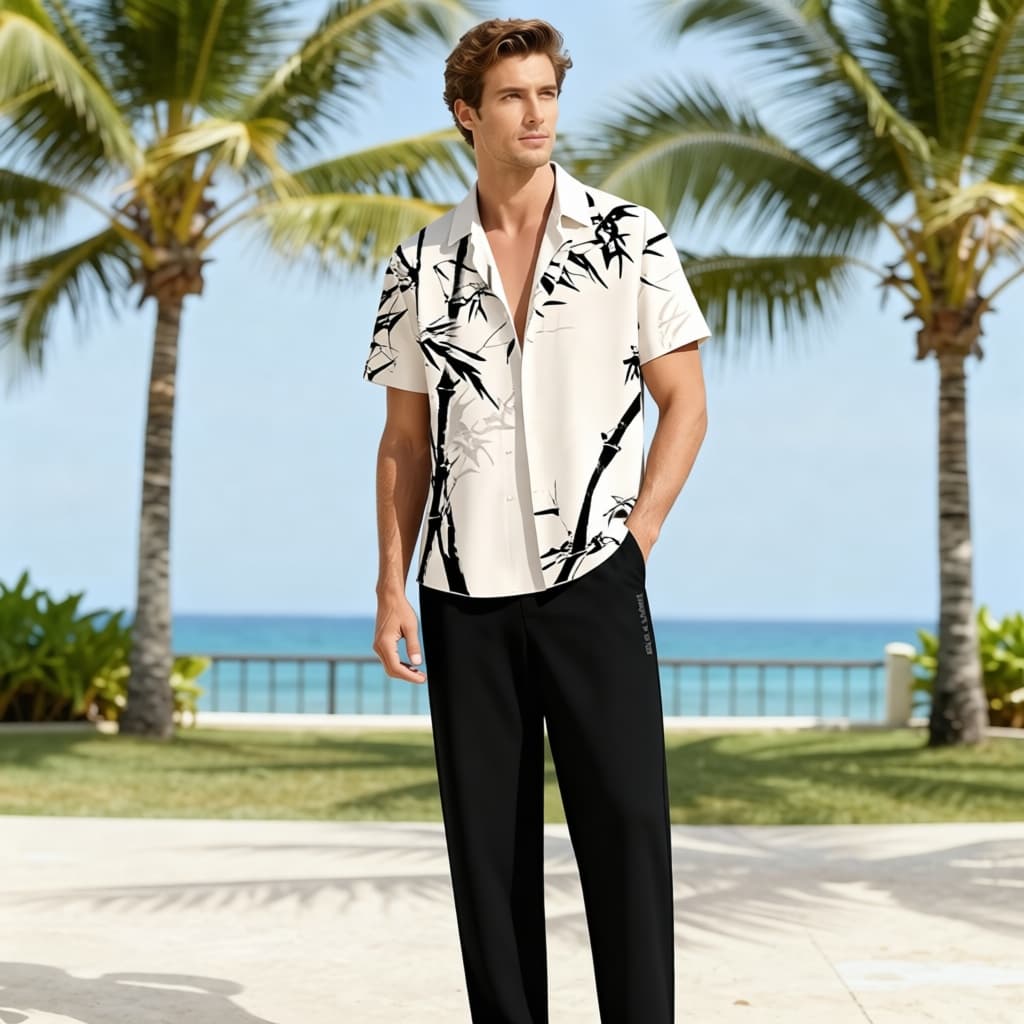
Try-on
Final output

Real Results
Each tab is structured as proof: what goes in, what workflow is used, and what the platform generates.
Real examples that show raw inputs becoming cleaner, listing-ready outputs.
Input
Raw product

Generated
White Studio result

Final CTA
Use White Studio for clean listing images, create scenes when you need richer visual storytelling, and reuse templates or saved models to scale your catalog faster.